Features


Chart Plays Without Leaving the Sideline

Fast, Focused Play Entry for Game Night

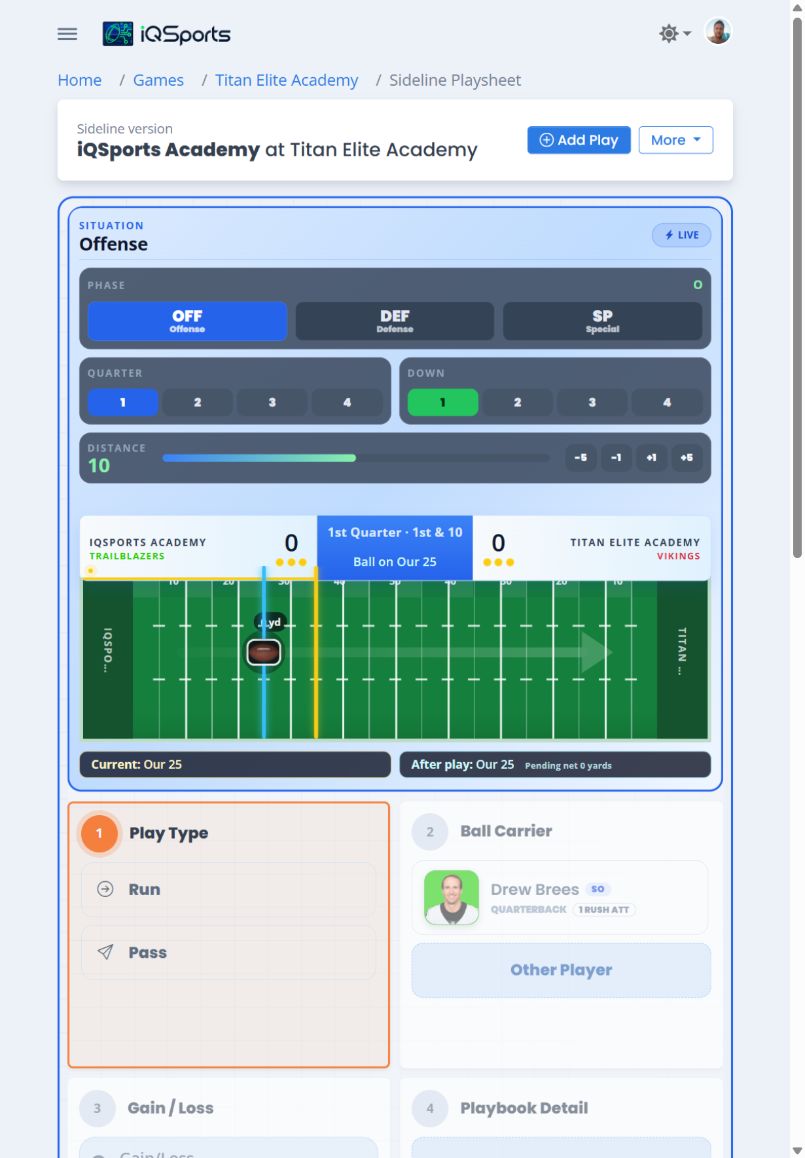
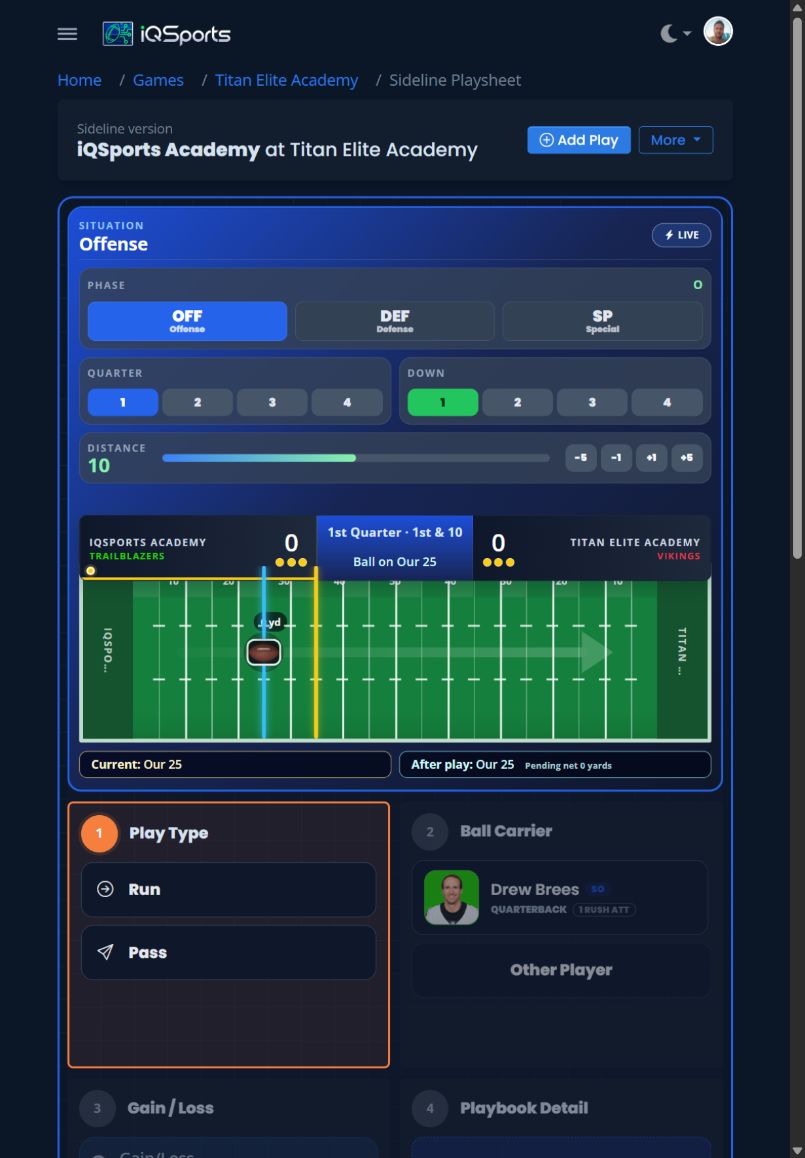
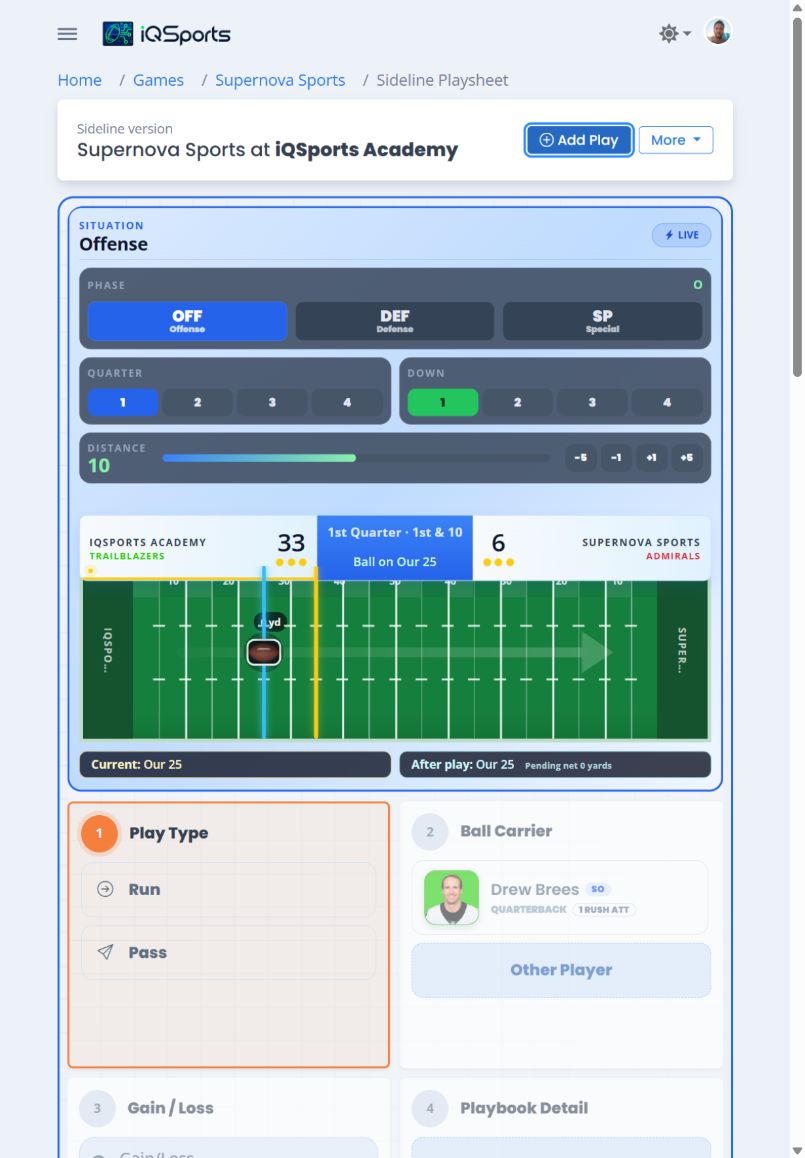
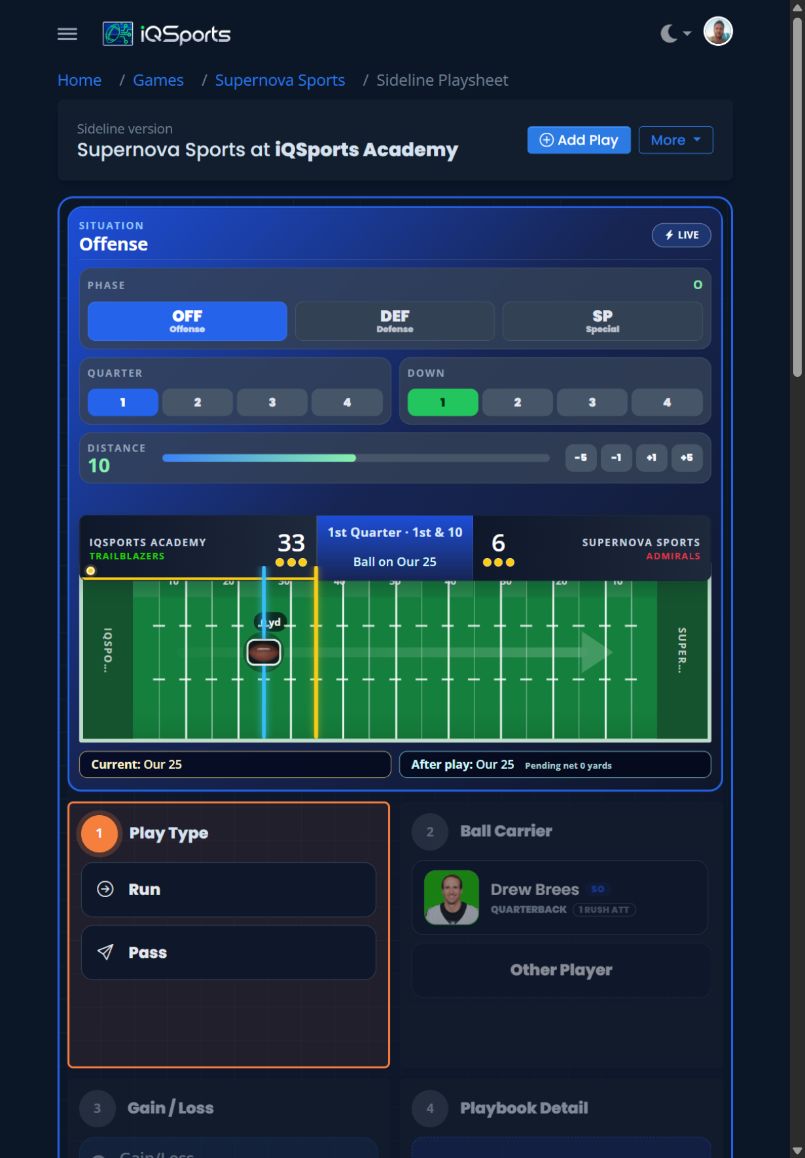
The touch-first Sideline playsheet keeps game state and a guided entry flow within easy reach so coaches can chart complete plays from a tablet in real time.

  • Keep phase, quarter, score, down, distance, possession, and field position in view.
  • Move through play type, players, gain or loss, penalties, and playbook detail with touch-friendly controls.
  • Each saved play immediately becomes available across iQFootball for game and season graphs, analytics, player profiles, printable reports, and more.
iQSports touch-first sideline football play entry on a tablet in light mode iQSports touch-first sideline football play entry on a tablet in dark mode

Flexible Play Capture

Three Ways to Capture Every Play

However your staff works, iQSports turns play-by-play into deep analytics—and connects it to film for faster review and smarter game planning.

iQSports Sideline live play entry workflow on a tablet in light mode iQSports Sideline live play entry workflow on a tablet in dark mode

Live Entry

Sideline version optimized for quick tap play entry

Chart plays in real time from the box. After the game, attach film clips to each play for instant review.

  • Best for live entry on Friday nights
  • 15 seconds or less per play
  • Offline live entry — coming soon
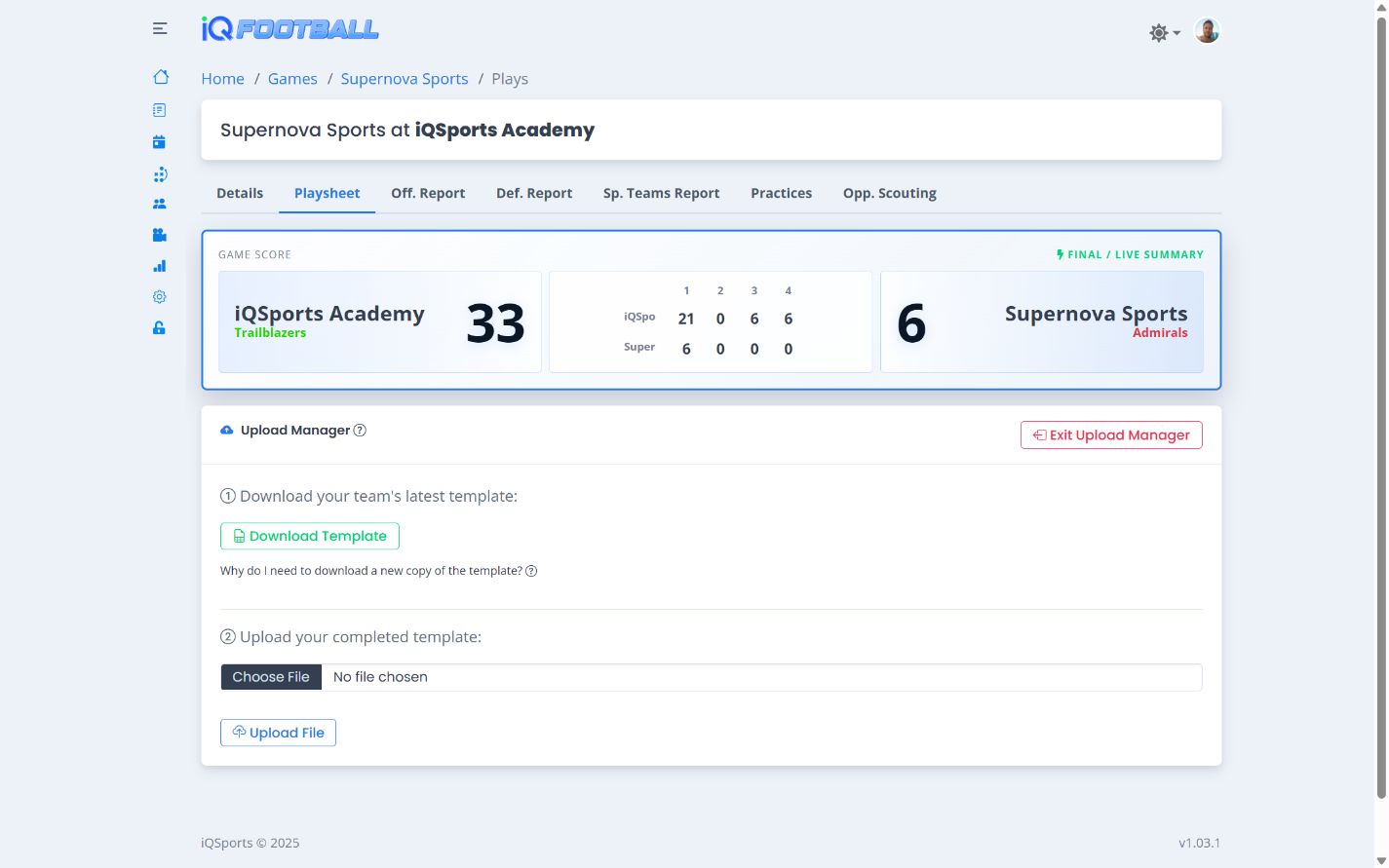
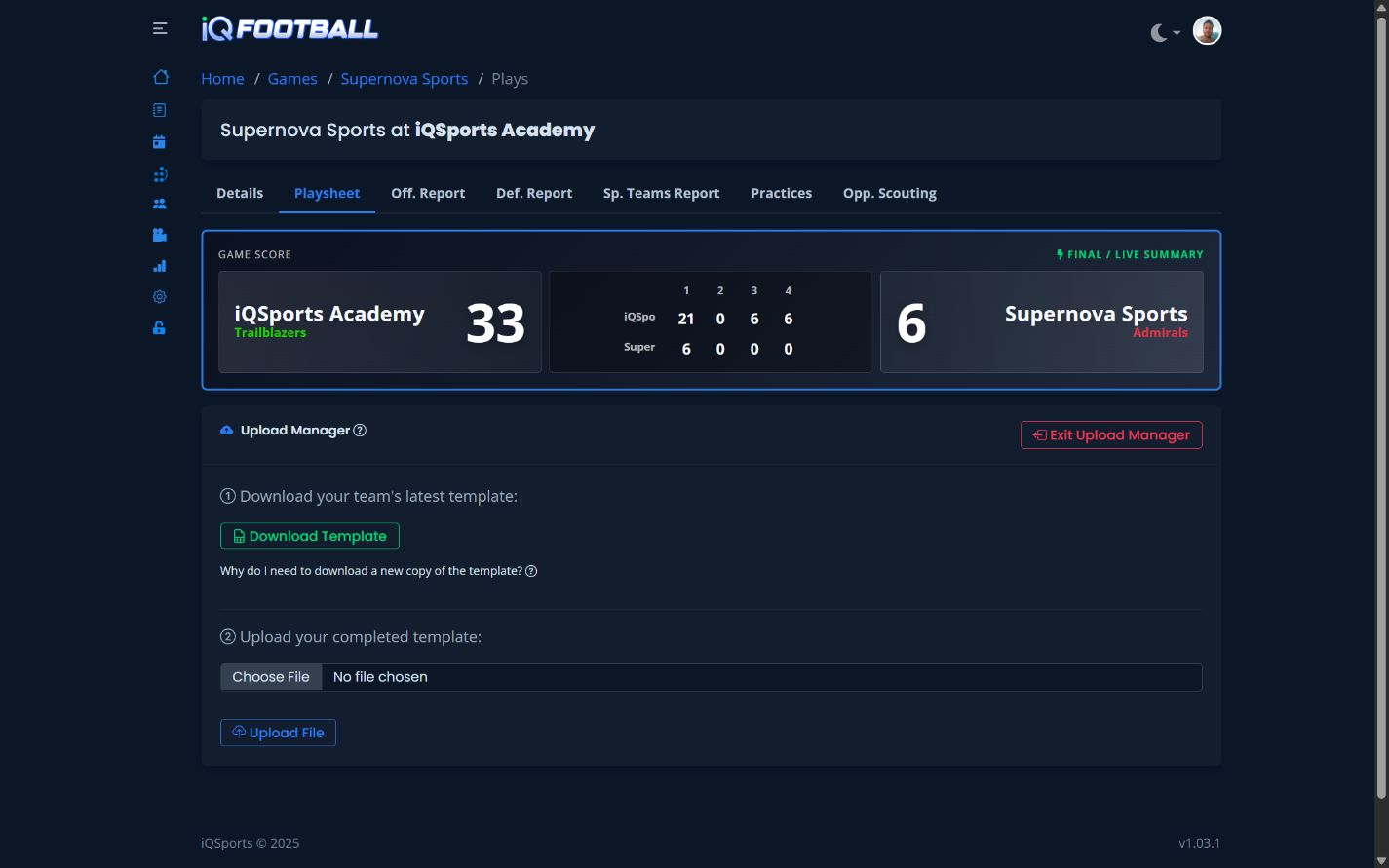
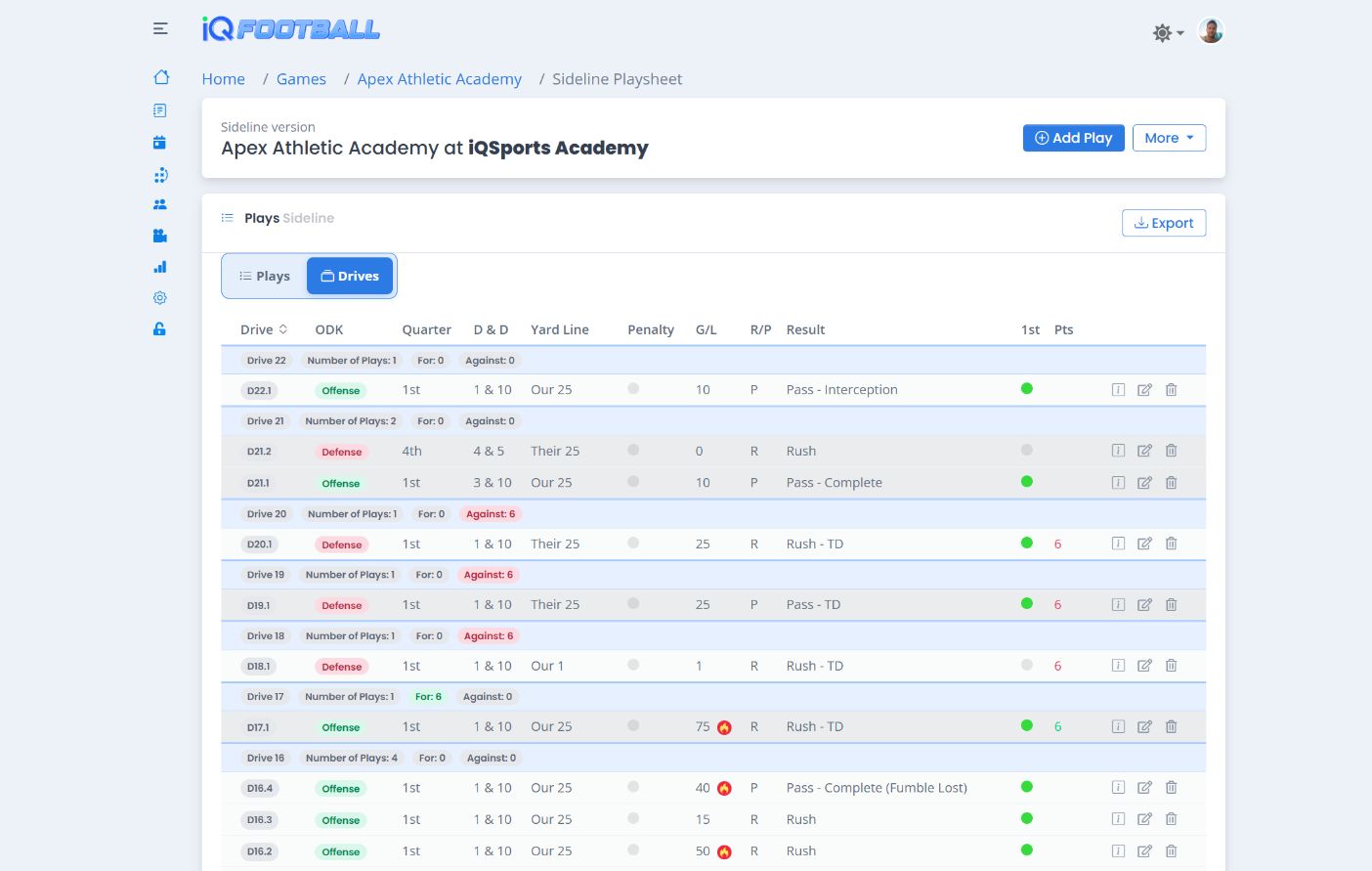
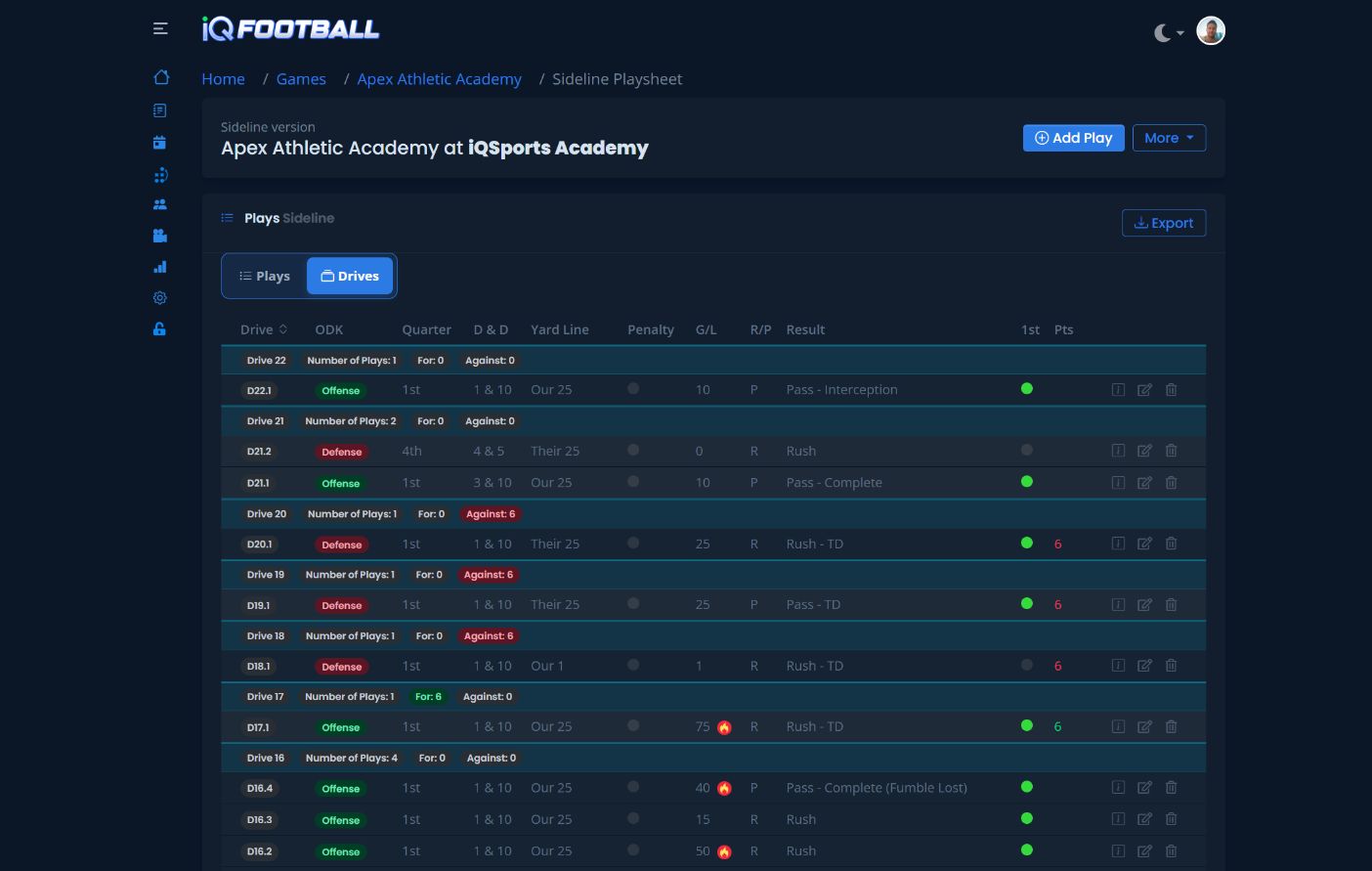
iQSports bulk play upload manager in light mode iQSports bulk play upload manager in dark mode

Bulk Import

Bring In the Workflow You Already Use

Upload your spreadsheet after the game. iQSports converts it into the same in-depth analytics automatically.

  • Perfect for existing Excel or Sheets workflows
  • Live entry not required
iQSports 2025 game film library in light mode iQSports 2025 game film library in dark mode

Film-First Breakdown

Build Analytics While You Watch

Upload film first, then tag each clip as you break it down. Your analytics build automatically as you watch.

  • Combine play entry and film grading
  • Film and data stay synced by design

Game & Season Reports

A Complete Snapshot the Moment Plays Are Recorded

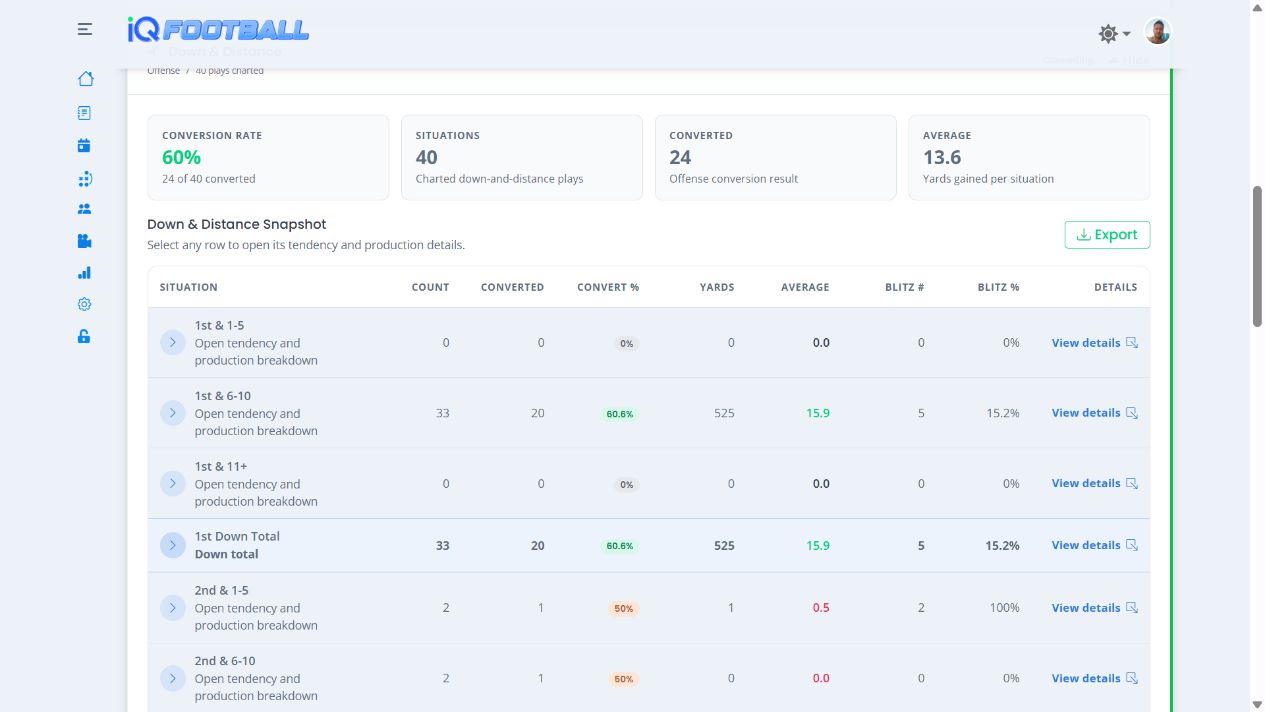
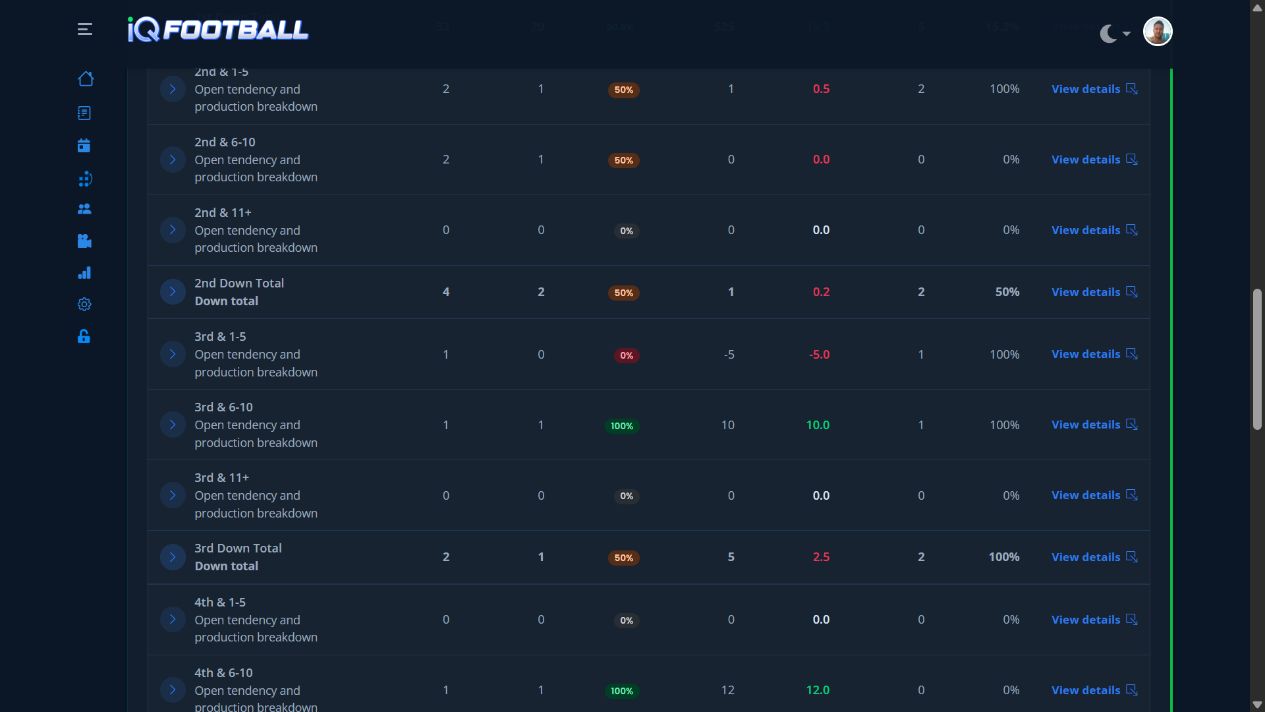
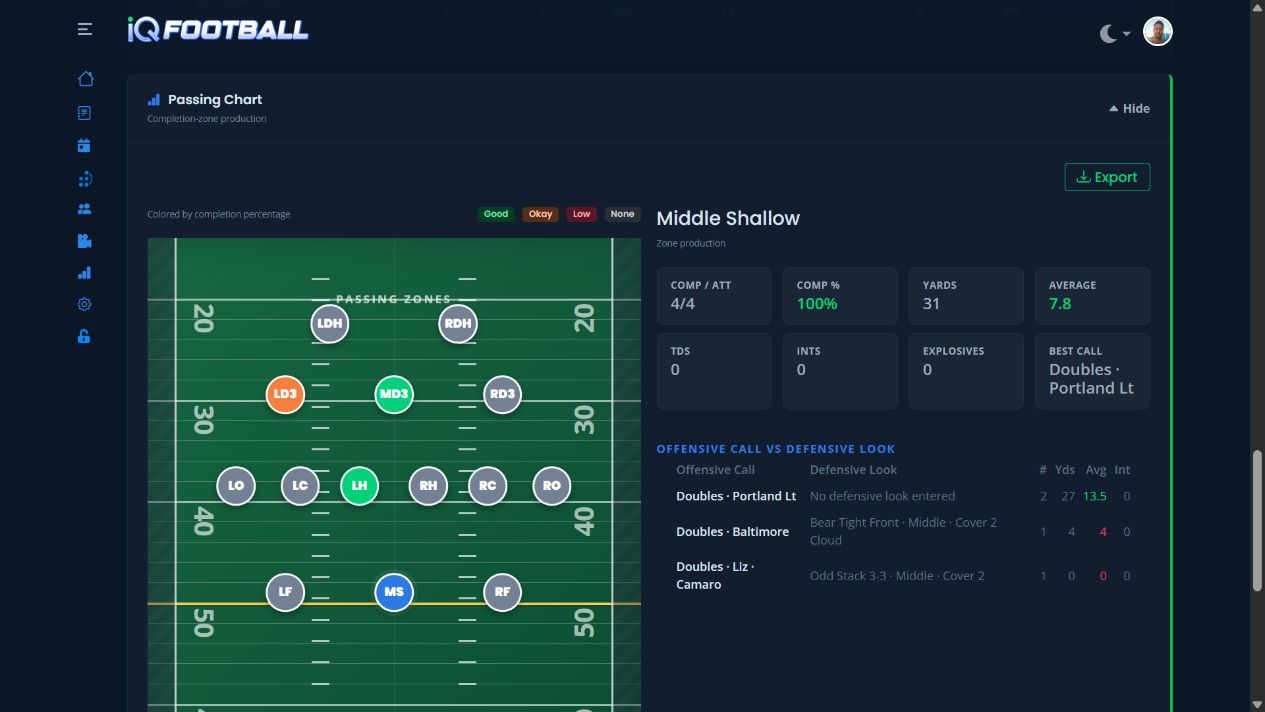
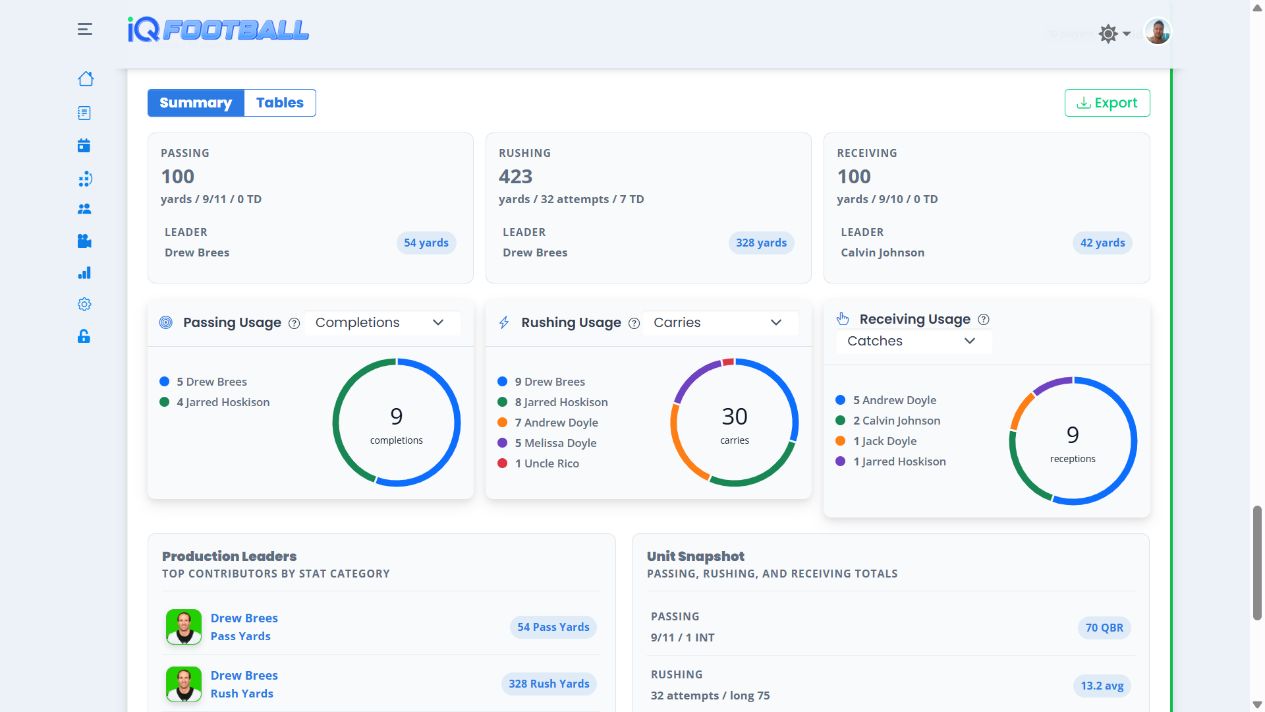
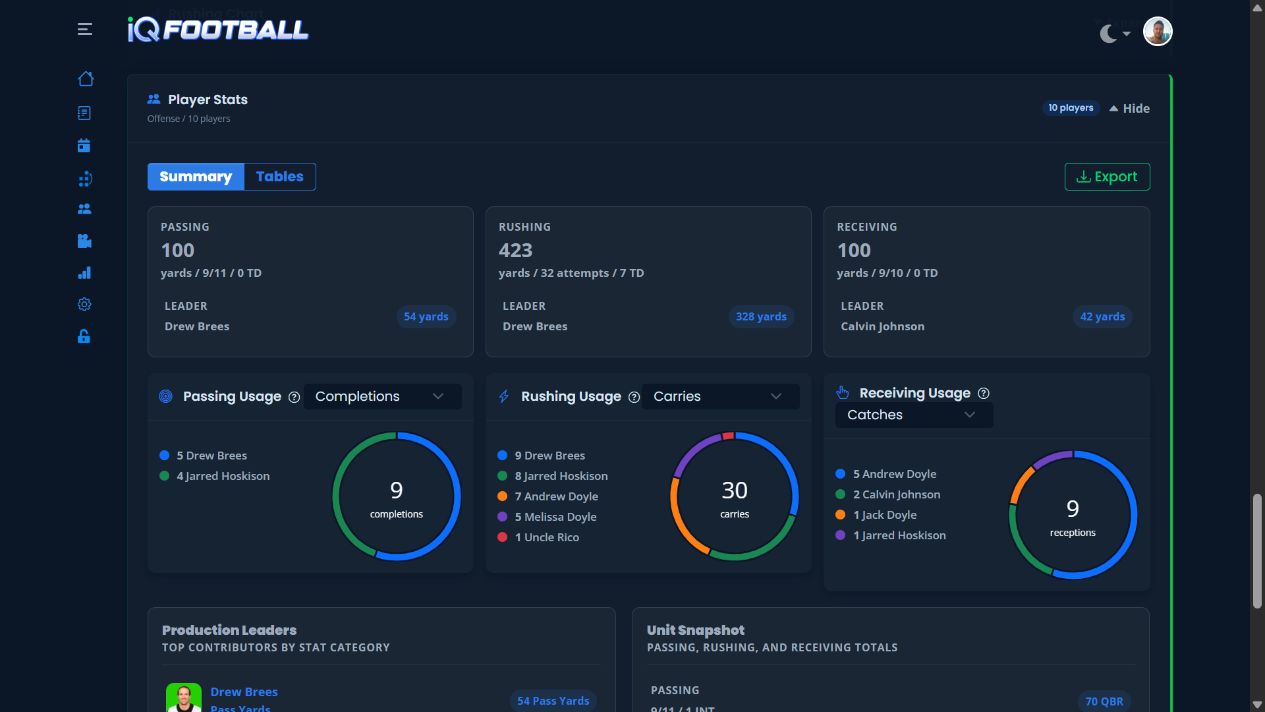
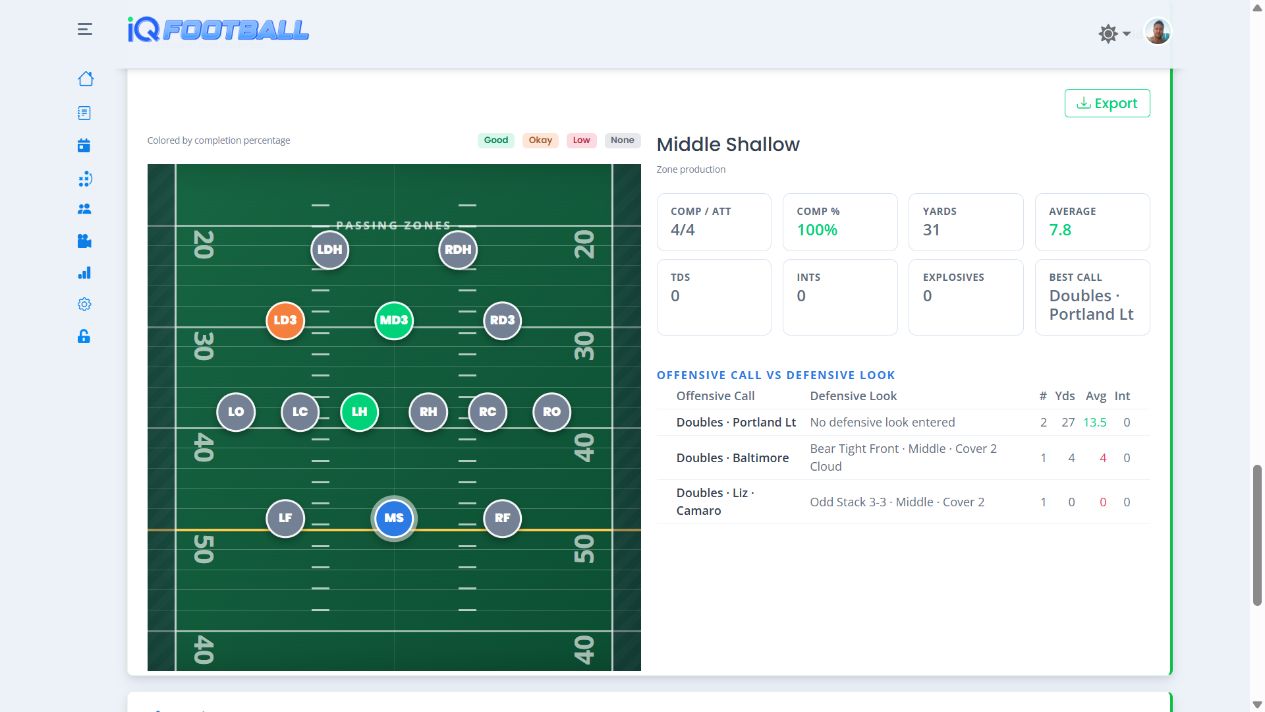
Every recorded play immediately feeds clear game and season reports for offense, defense, and special teams—without re-entering data or waiting for a separate breakdown.

  • See a complete game or season snapshot as soon as your staff records the plays.
  • Review offense, defense, and special teams through easy-to-read charts, tendencies, situational splits, and player production.
  • Export report data to put timely answers in the hands of coaches, coordinators, administrators, and other decision makers.

Film Room

Find the Film Behind the Data

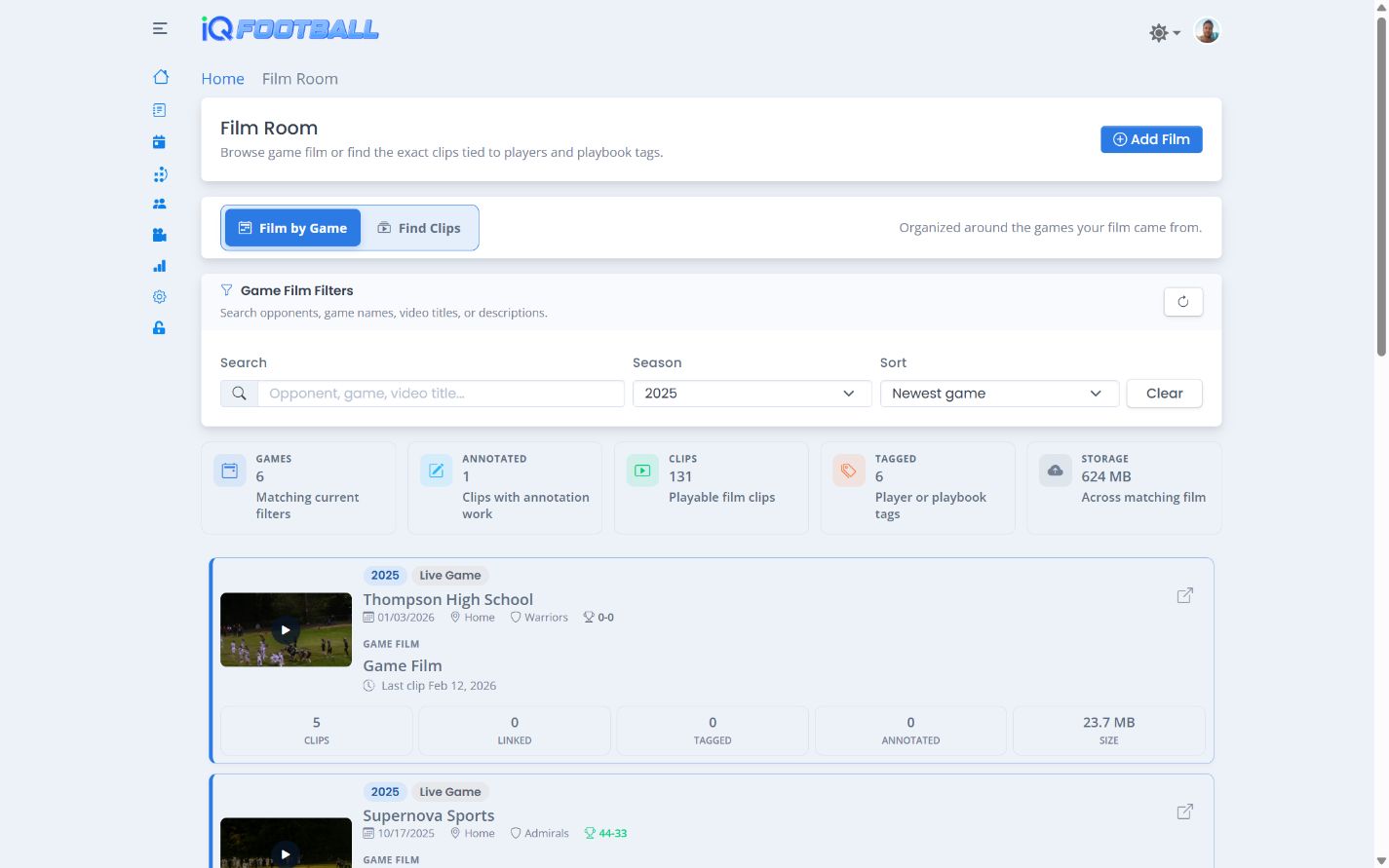
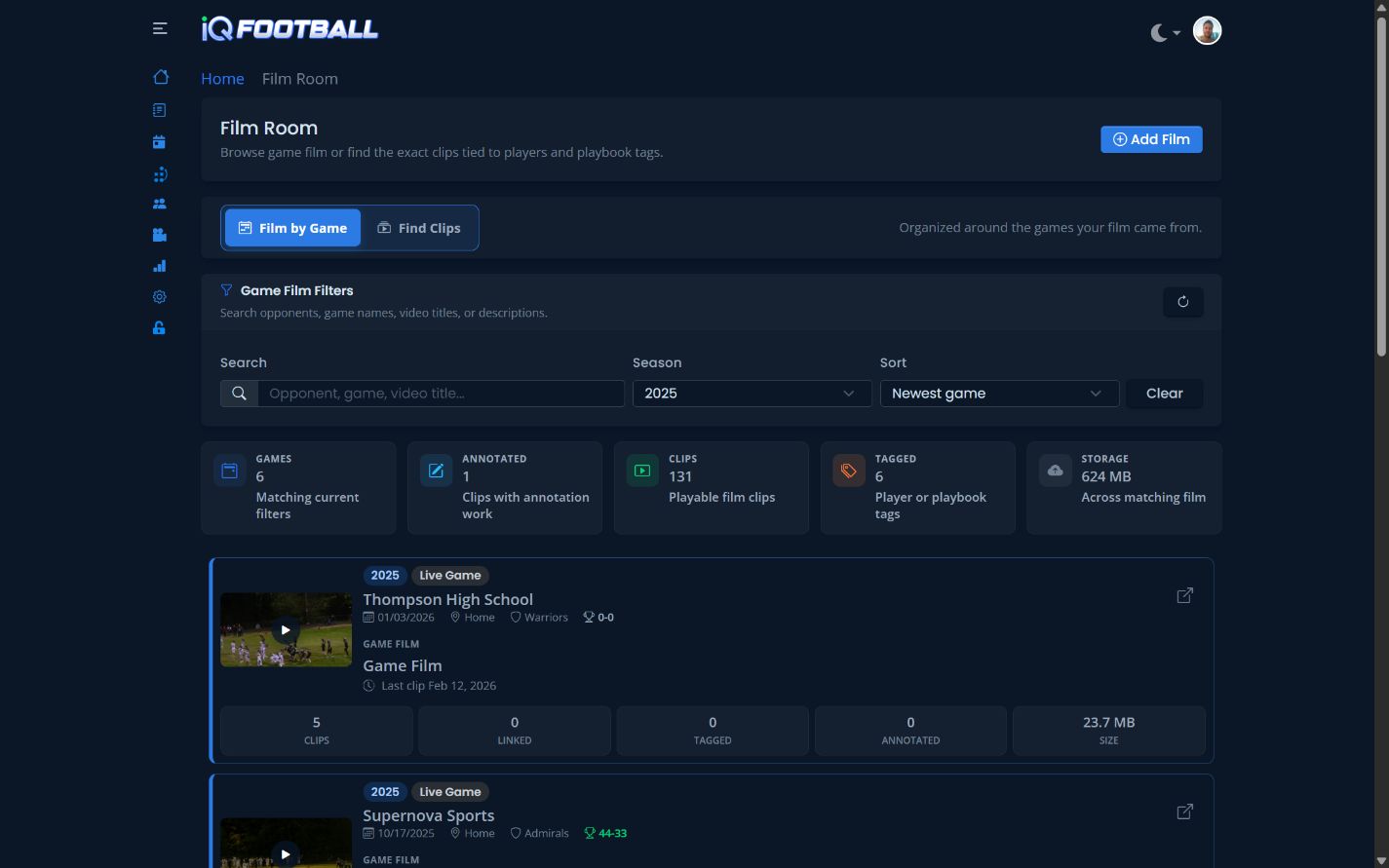
  • Find clips by game, season, player, and much more.
  • See metrics on the total clips uploaded by your program.
iQSports Film Room filtered to 2025 game film in light mode iQSports Film Room filtered to 2025 game film in dark mode
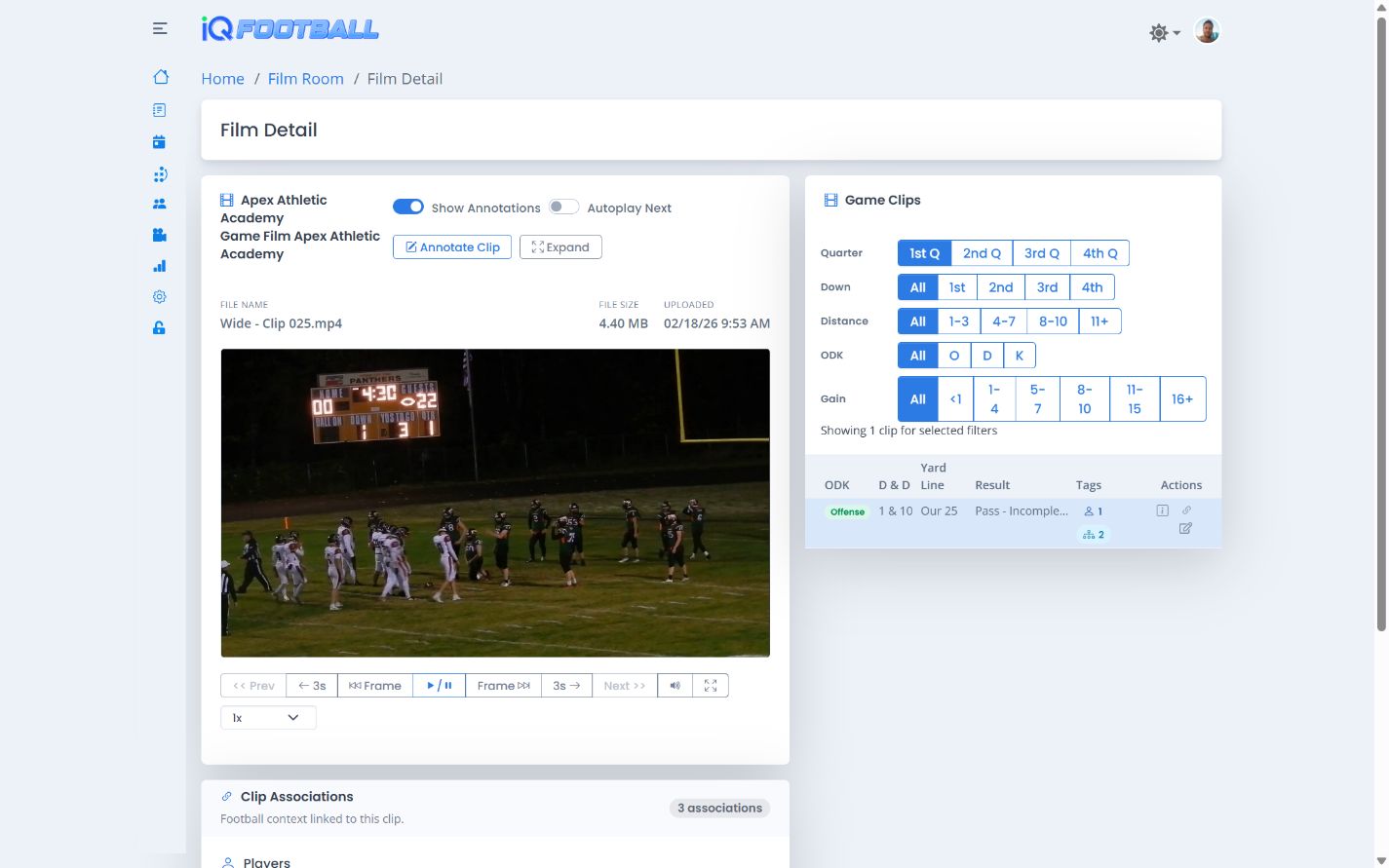
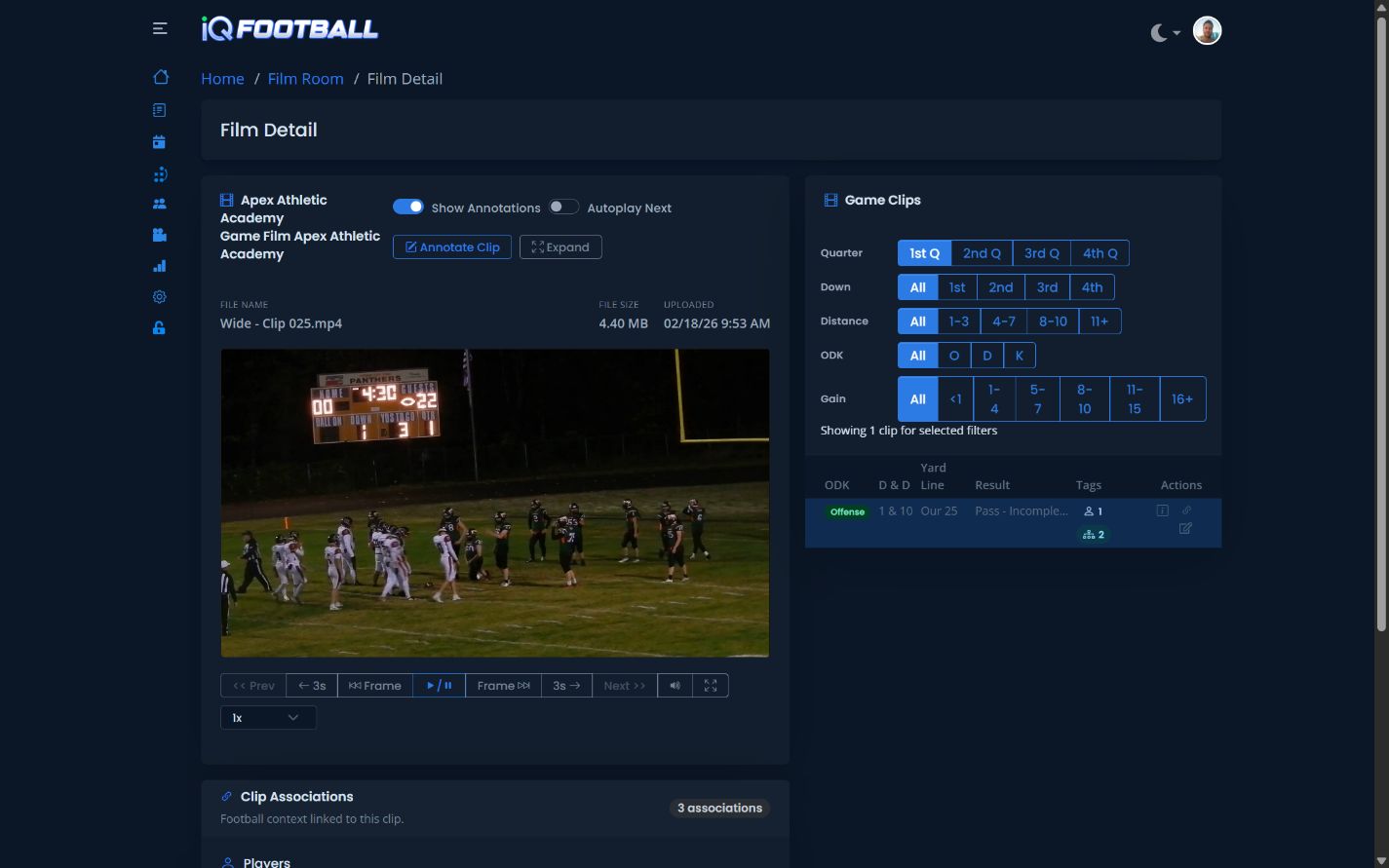
iQSports film detail player with clip annotation, player tags, playbook associations, and play data in light mode iQSports film detail player with clip annotation, player tags, playbook associations, and play data in dark mode

Film Detail

Connect Every Clip to Its Football Context

  • Annotate plays and clips directly in the film player to call out technique, leverage, reads, and assignments.
  • Automatically carry players attached to a play into its clip, or manually attach players when reviewing film.
  • Attach formations, motions, play calls, fronts, blitzes, coverages, and other playbook entities to clips.
  • Open the in-depth situation, result, player, and playbook data associated with any linked clip.
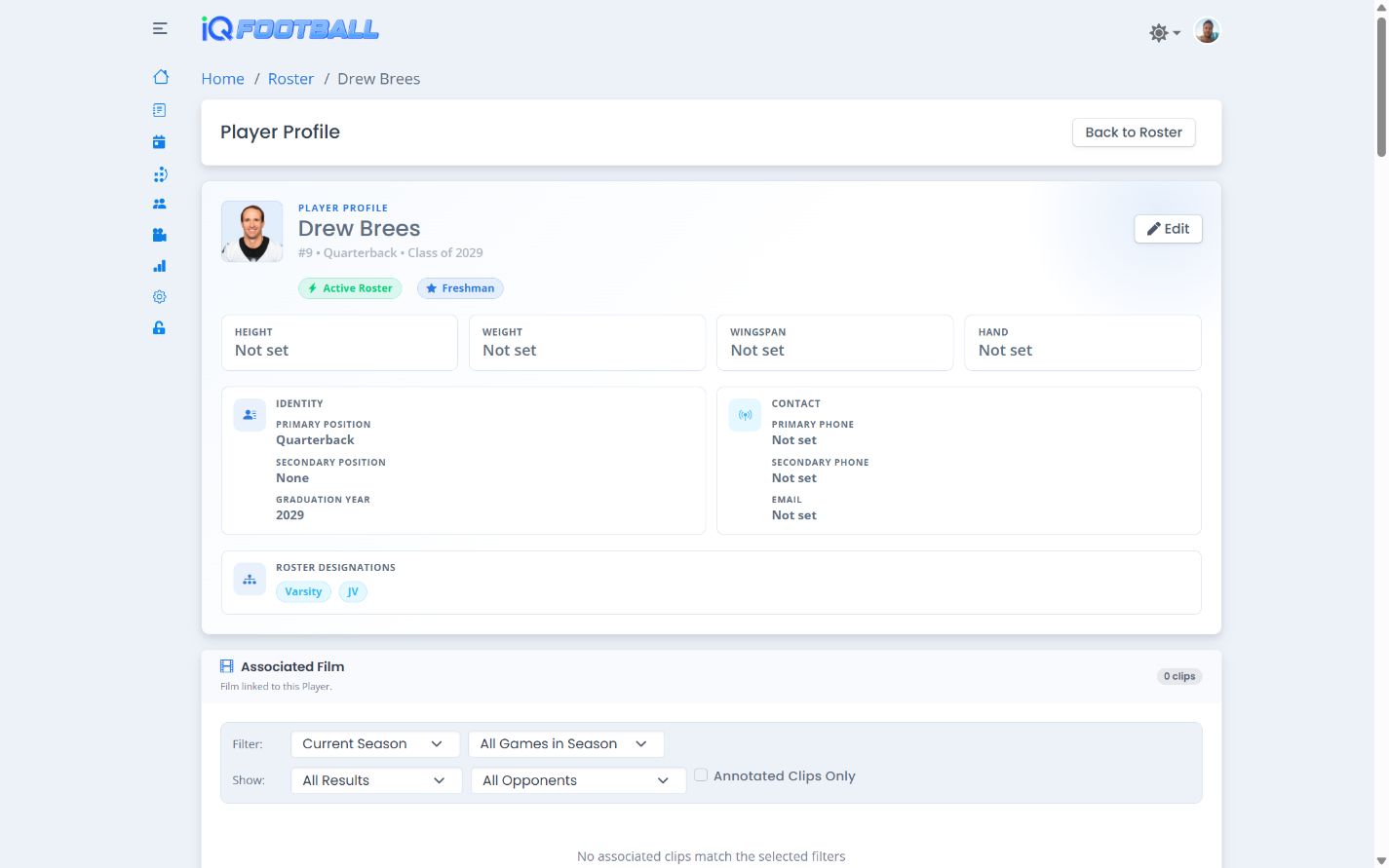
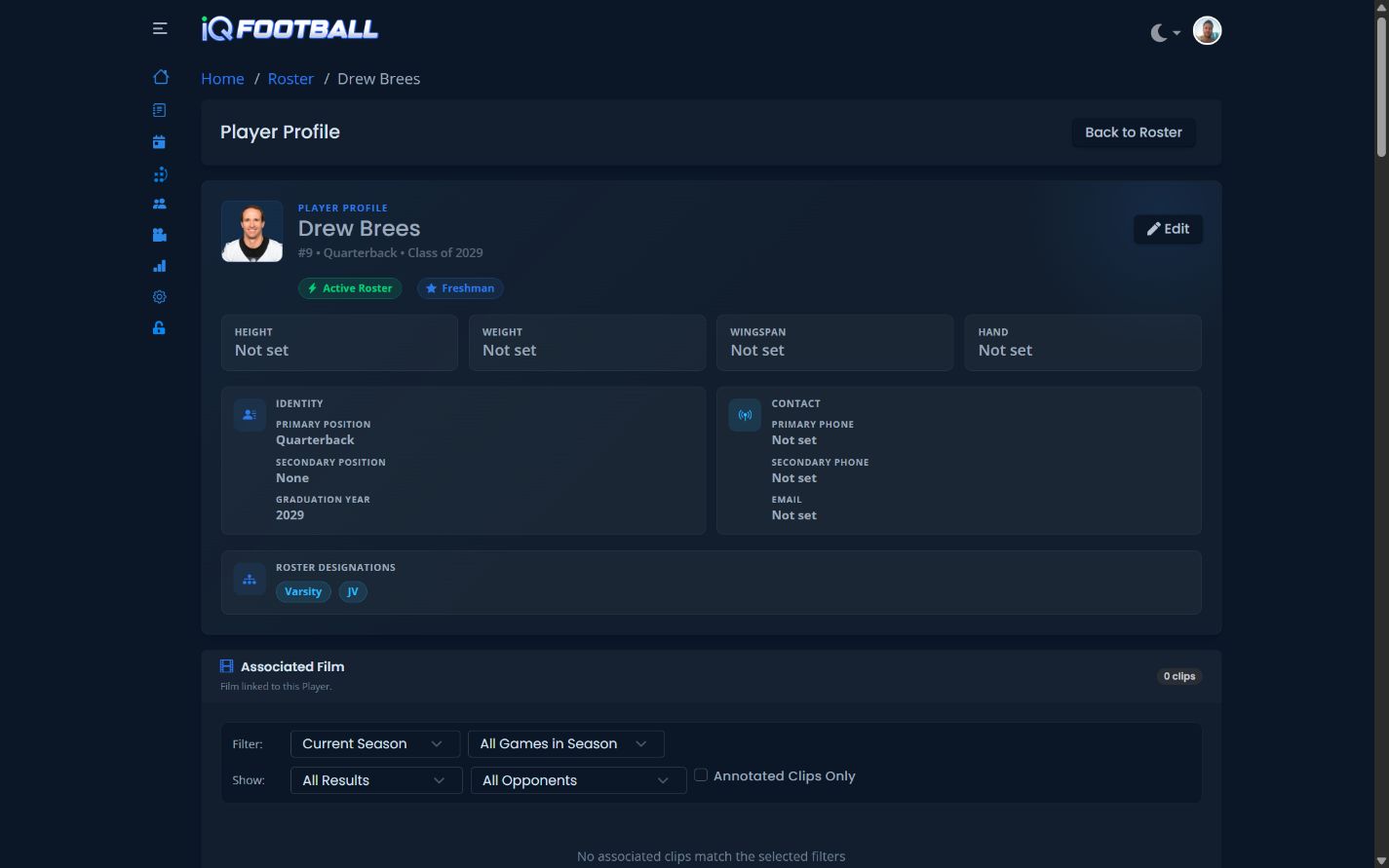
iQSports in-depth football player profile in light mode iQSports in-depth football player profile in dark mode

In Depth Player Profiles

One Record for Each Athlete

Keep player development, availability, film, and production connected instead of scattered across separate tools.

  • See every film clip attached to the player.
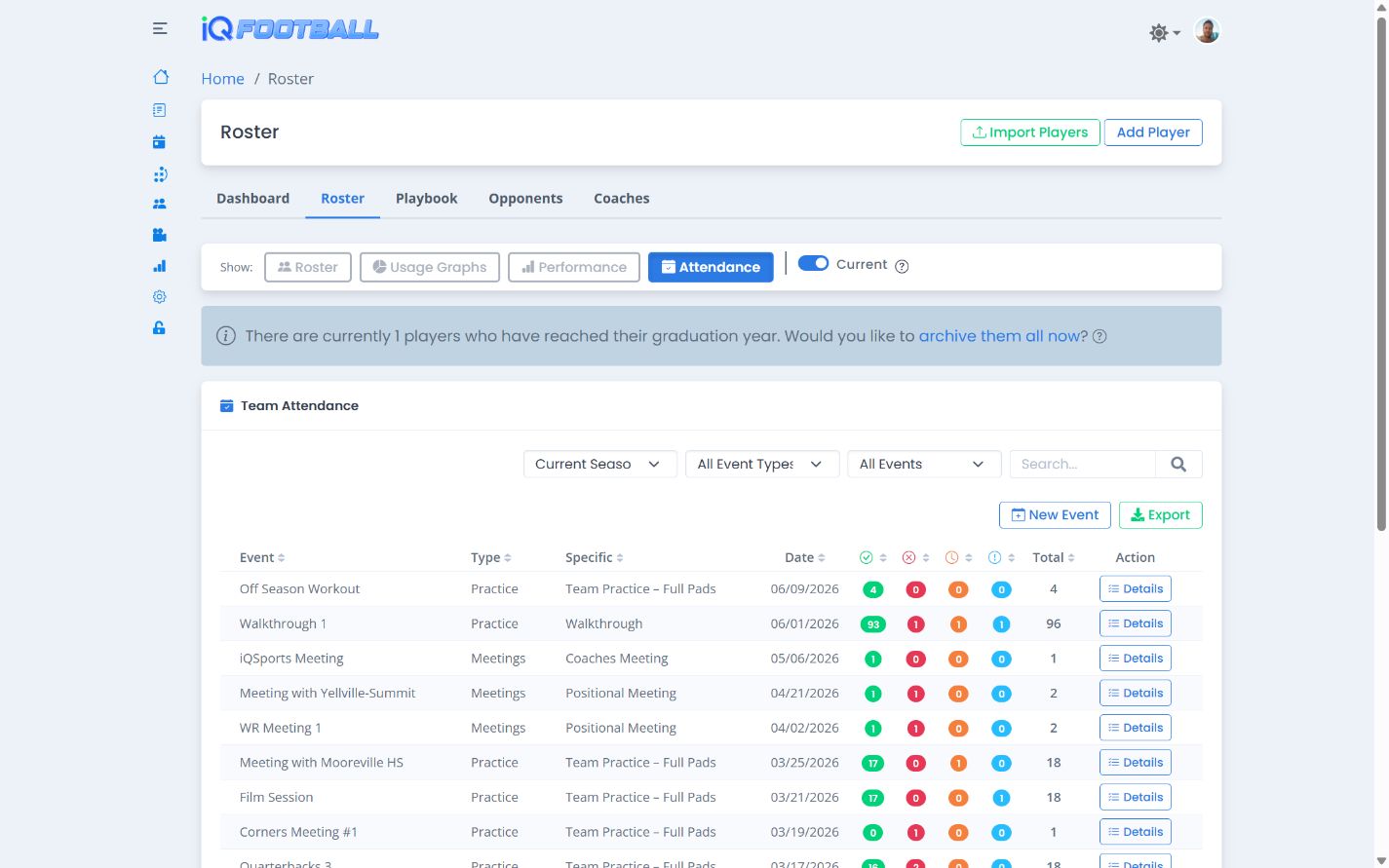
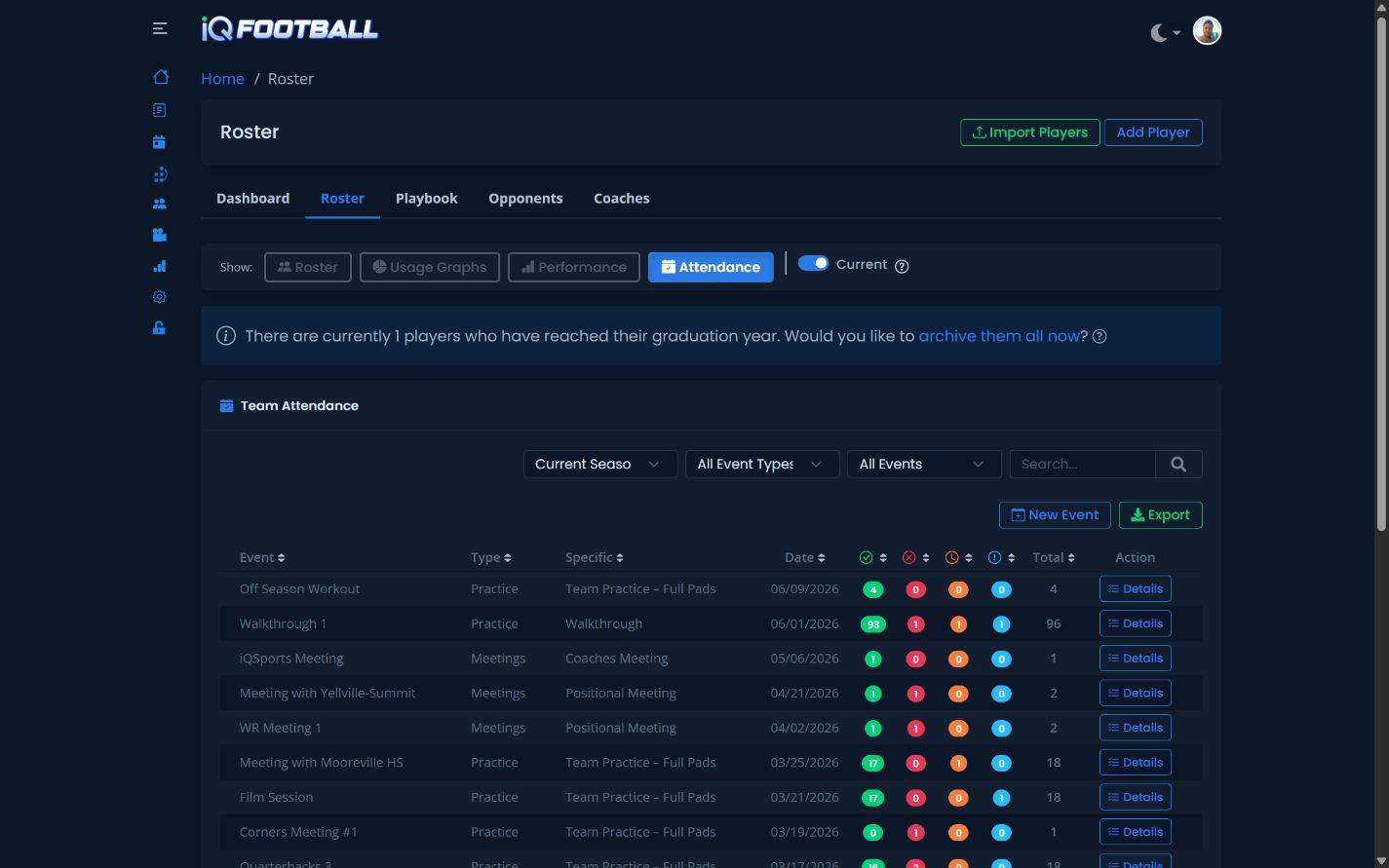
  • Review attendance across practices, meetings, workouts, and team events.
  • Track performance metrics, rankings, and personal records.
  • Compare season totals with career totals in one profile.
  • Public player profiles — coming soon
Performance Metrics

Make Improvement Visible

Connect performance results to the roster so coaches can spot personal records, compare team rankings, and keep development conversations grounded in evidence.

  • Track speed, strength, power, agility, and conditioning exercises.
  • Filter results by player, position, category, or exercise.
  • Surface personal records and top performers without manual spreadsheets.
iQSports player performance metrics and team rankings in light mode iQSports player performance metrics and team rankings in dark mode

Digital Whiteboard

Turn Football Ideas Into a Reusable Play Library

Build offensive and defensive diagrams, connect them to your terminology, and give coaches and players one organized place to learn the playbook.

  • Draw routes, blocks, motion, and defensive assignments on a football field.
  • Play animated Whiteboard diagrams so coaches and players can watch routes, movement, timing, and assignments develop pre and post snap.
  • Connect diagrams to reusable formations, motions, play calls, fronts, blitzes, coverages, personnel, and tags.
  • Use the same playbook language in live entry, film, self-scout, opponent scout, and reports.
iQSports Digital Whiteboard football play library in light mode iQSports Digital Whiteboard football play library in dark mode
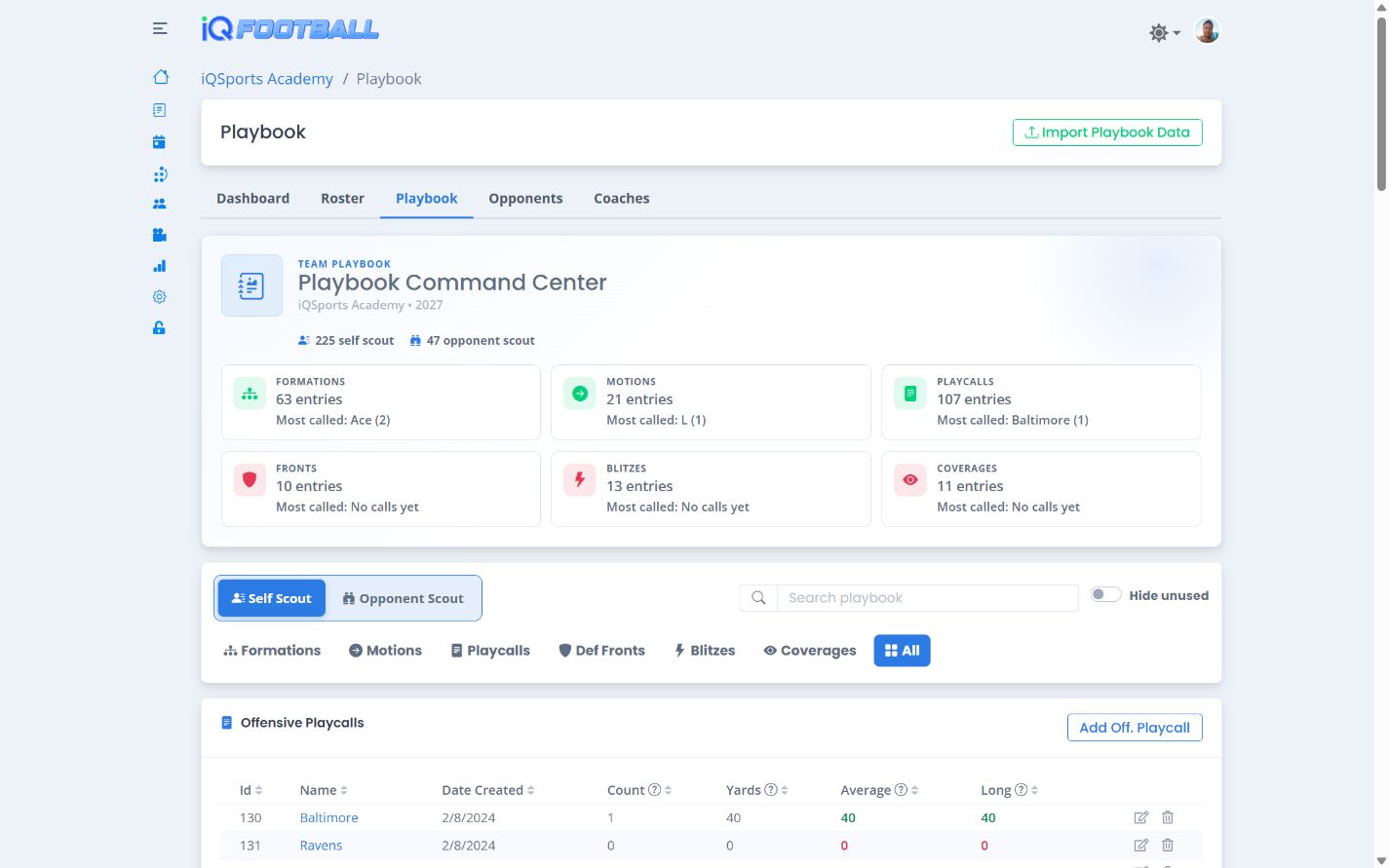
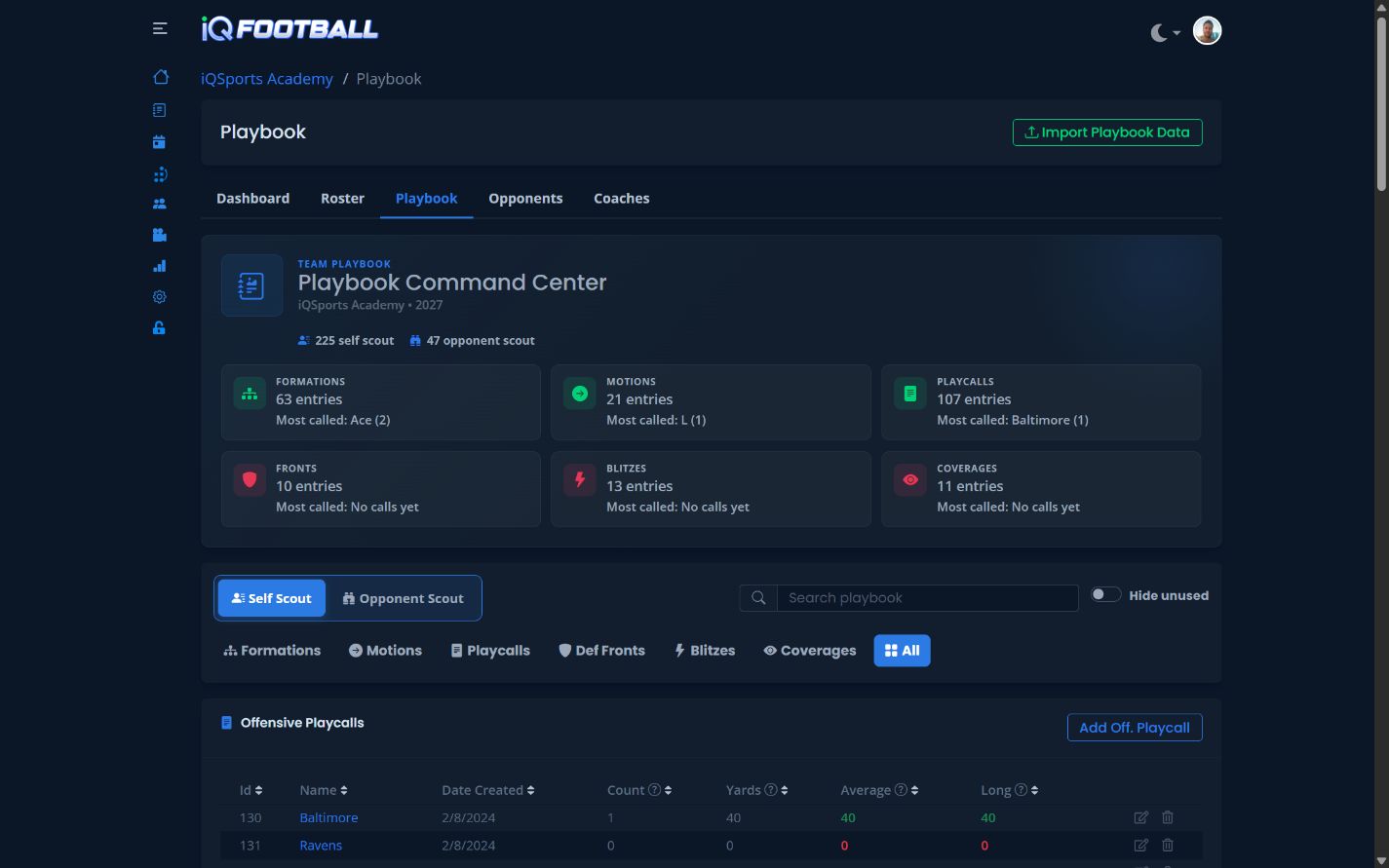
iQSports reusable football playbook entity library in light mode iQSports reusable football playbook entity library in dark mode

Playbook Entity Library

Use the Same Football Language Everywhere

Define your program's football vocabulary once, organize it by phase and category, and reuse it consistently across Whiteboard diagrams, play entry, clips, analytics, and scouting.

  • Personnel Packages
  • Formations
  • Motions
  • Playcalls
  • Blitzes
  • Coverages
  • Fronts
  • Opponent playbook data

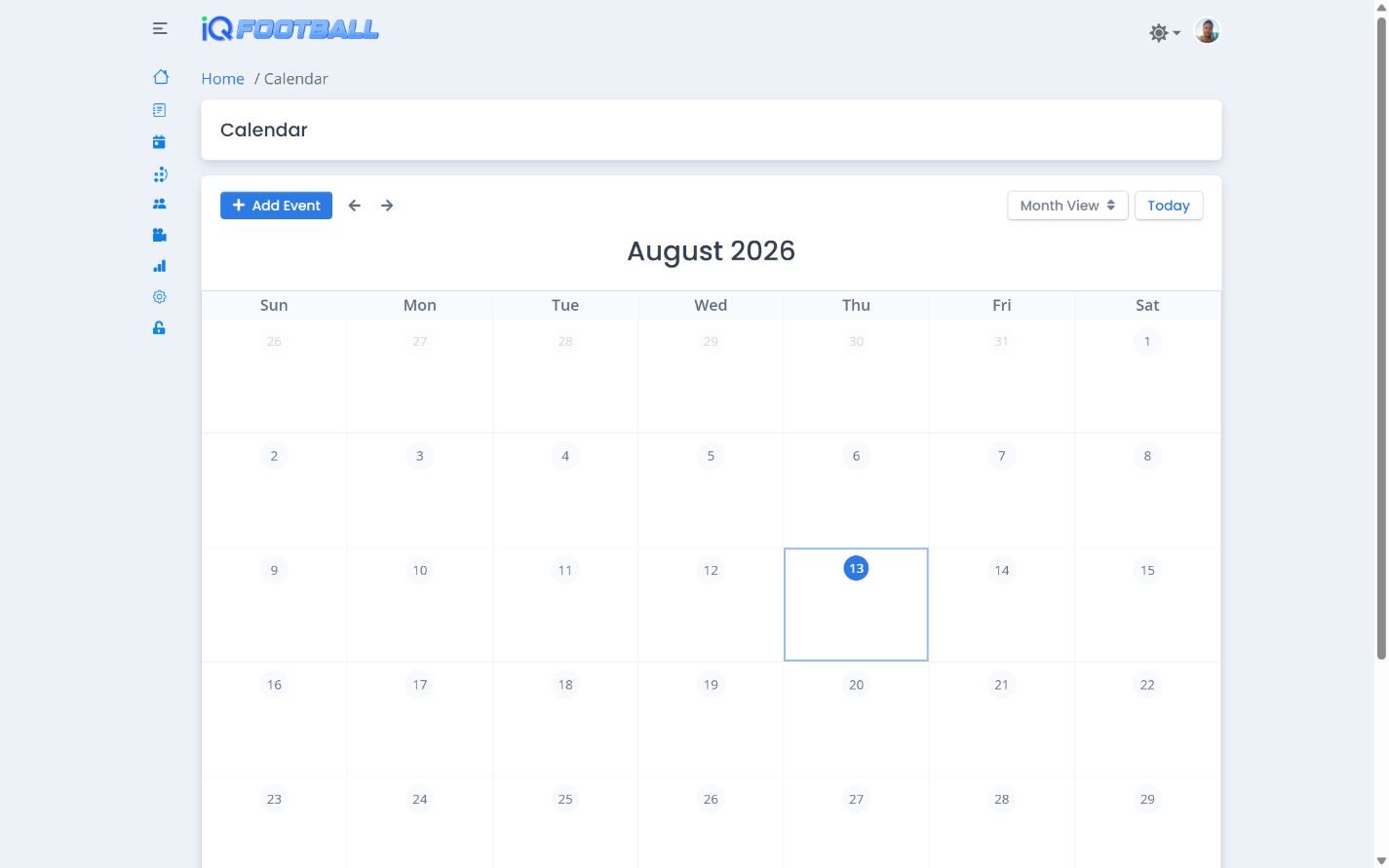
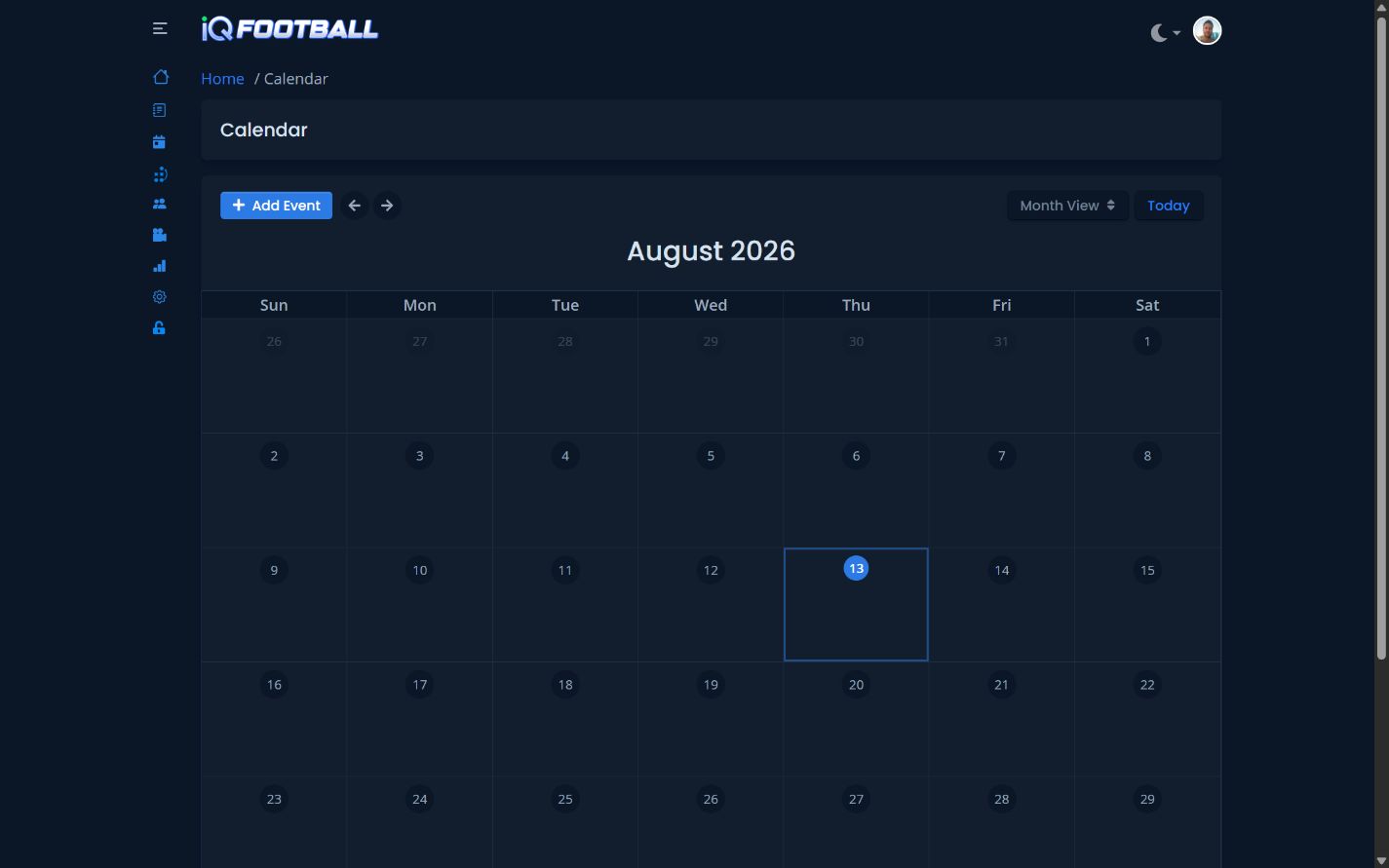
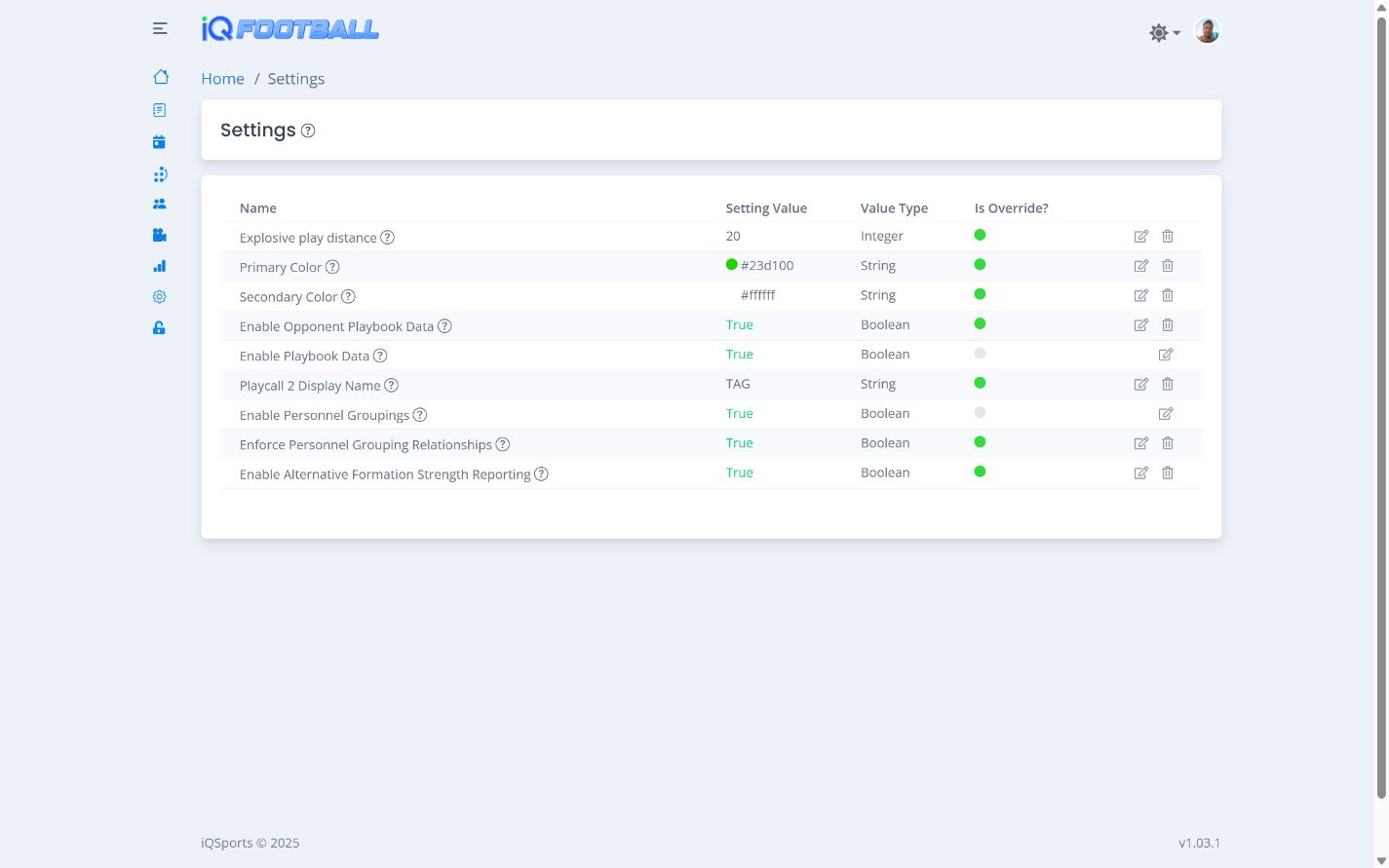
Program Operations

Keep the Rest of the Program Connected

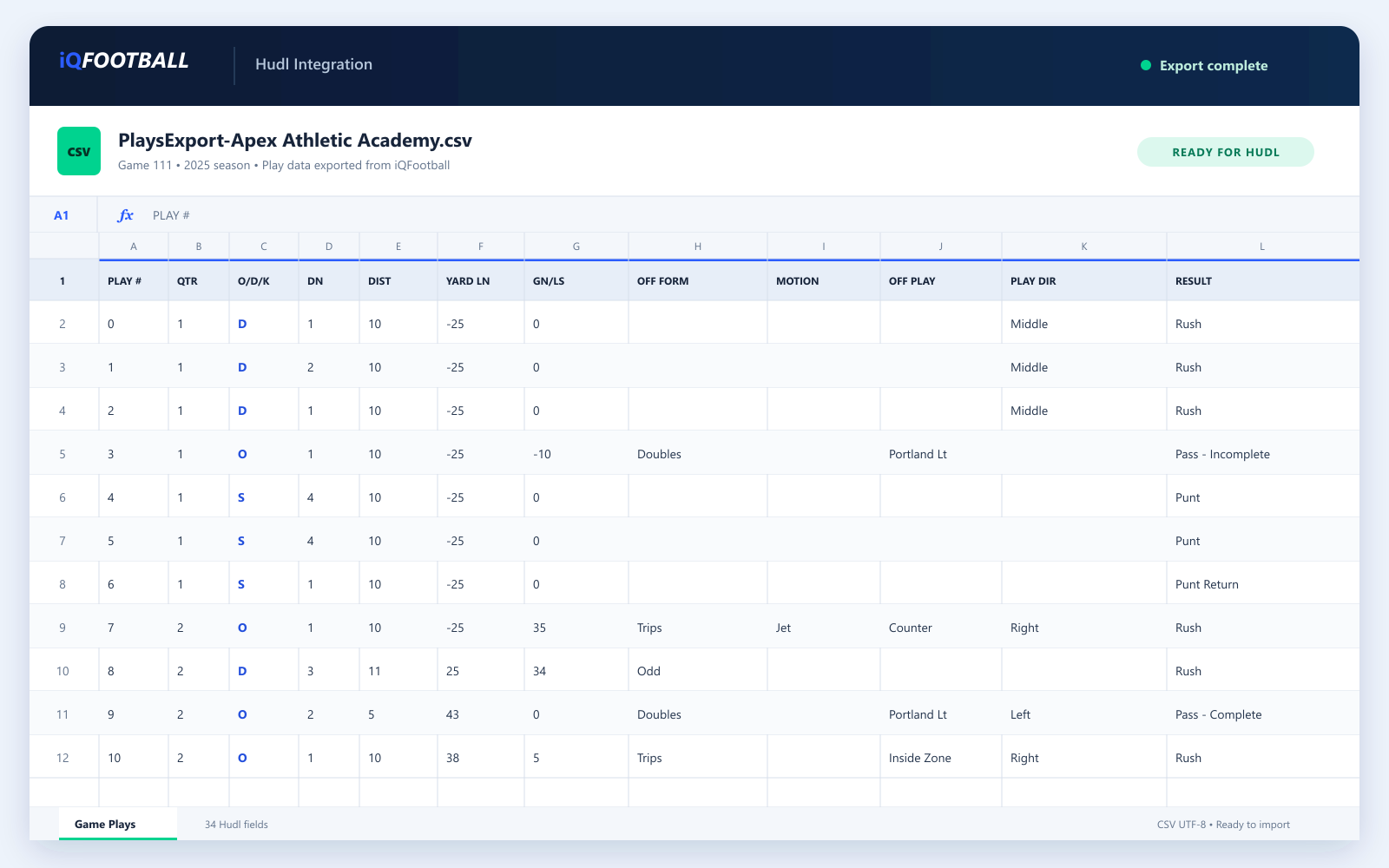
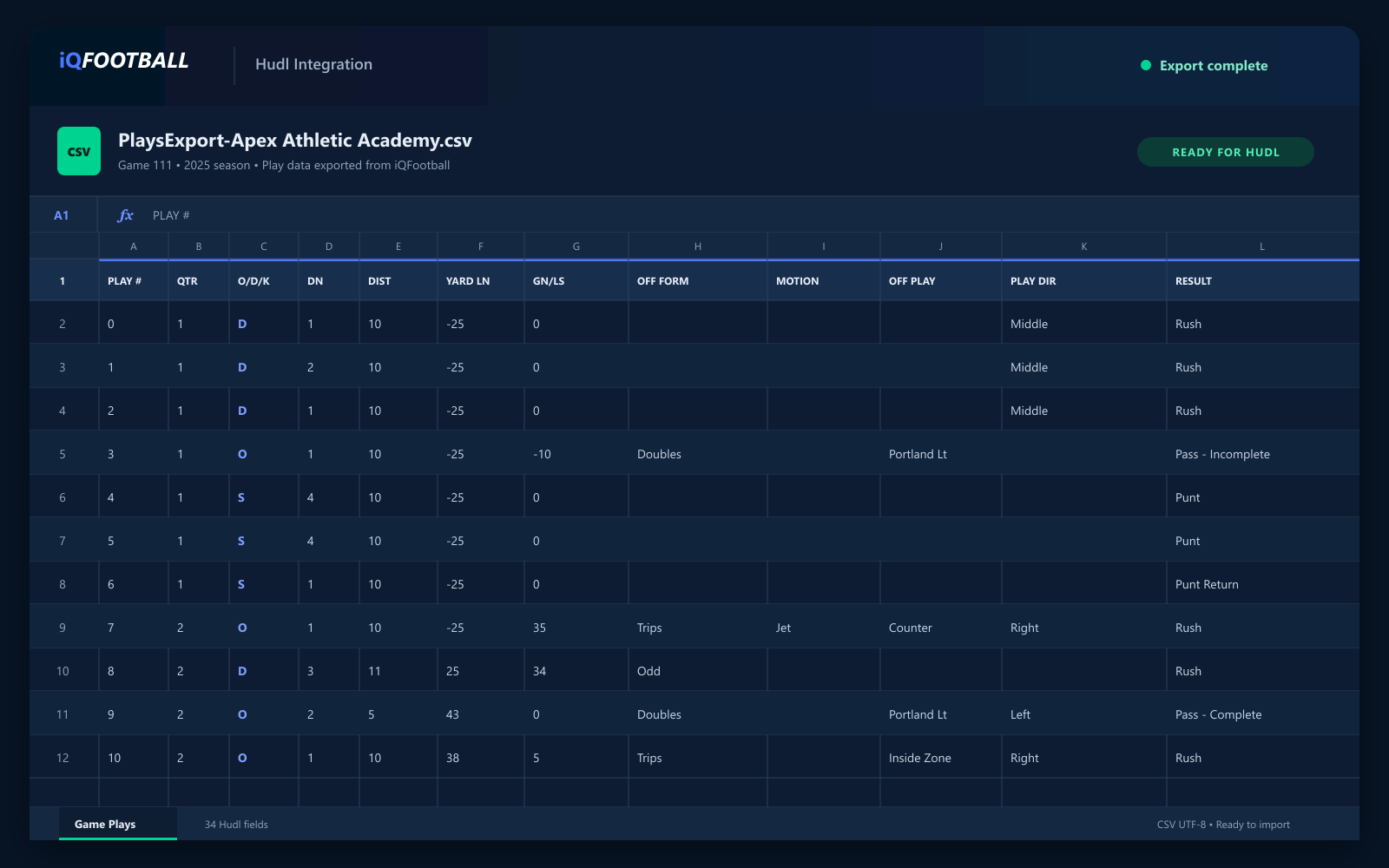
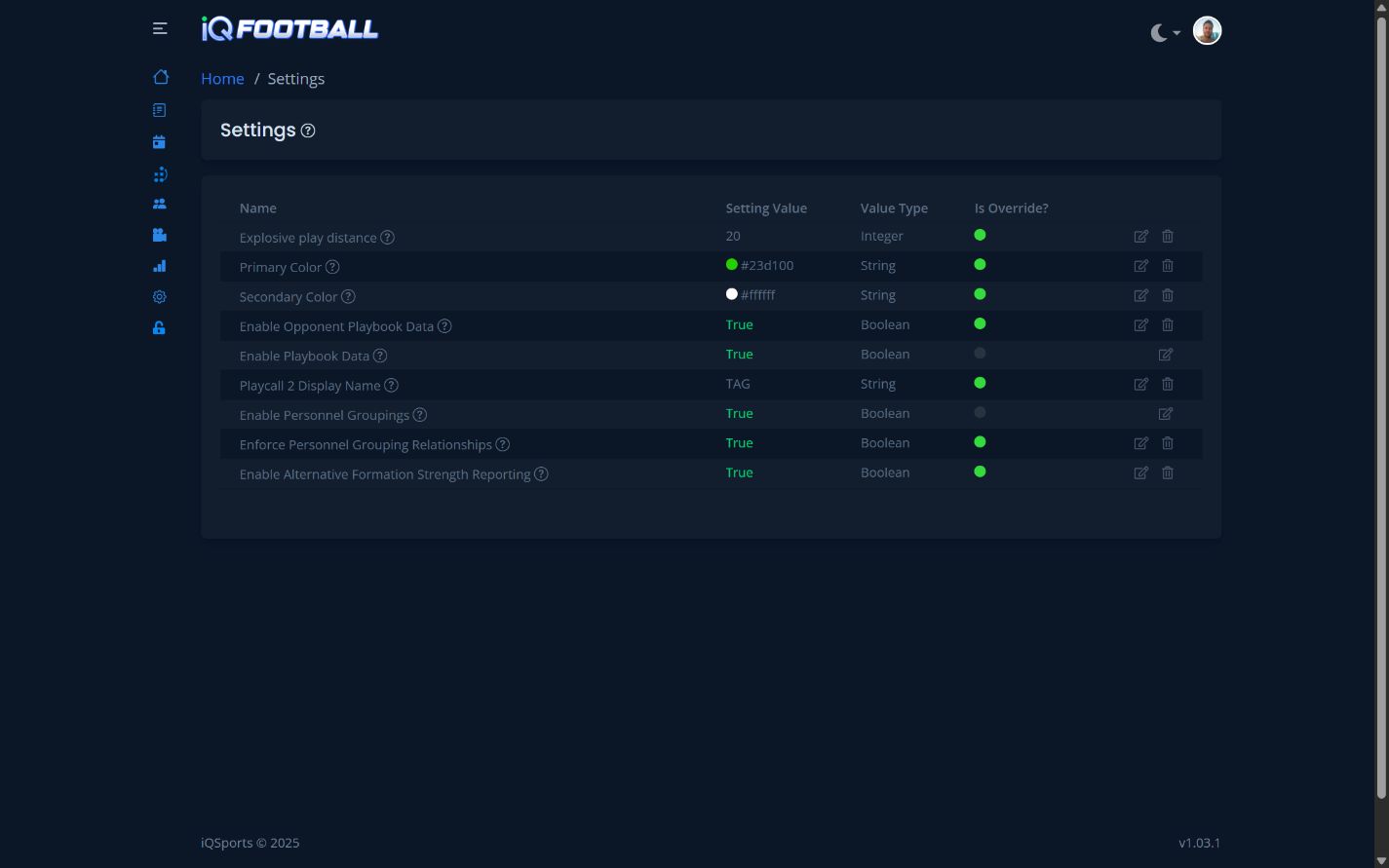
iQFootball is more than play analytics. It brings the weekly tools coaches rely on—from scheduling and attendance to program settings and Hudl export—into one connected workflow.

Loading...